


Introduction
SEO for a new website or a redesigned website can go off the rails the moment you hit “launch”. A single missed redirect, a forgotten noindex tag or a broken internal link can wipe out years of SEO progress in one release. If you are planning a website migration and want to protect your rankings, you need a clear SEO migration plan that catches problems before your audience and search engines do. When migrations feel risky, partnering with a team that lives in this world every day through dedicated search engine optimization services can mean the difference between a smooth relaunch and a ranking freefall.
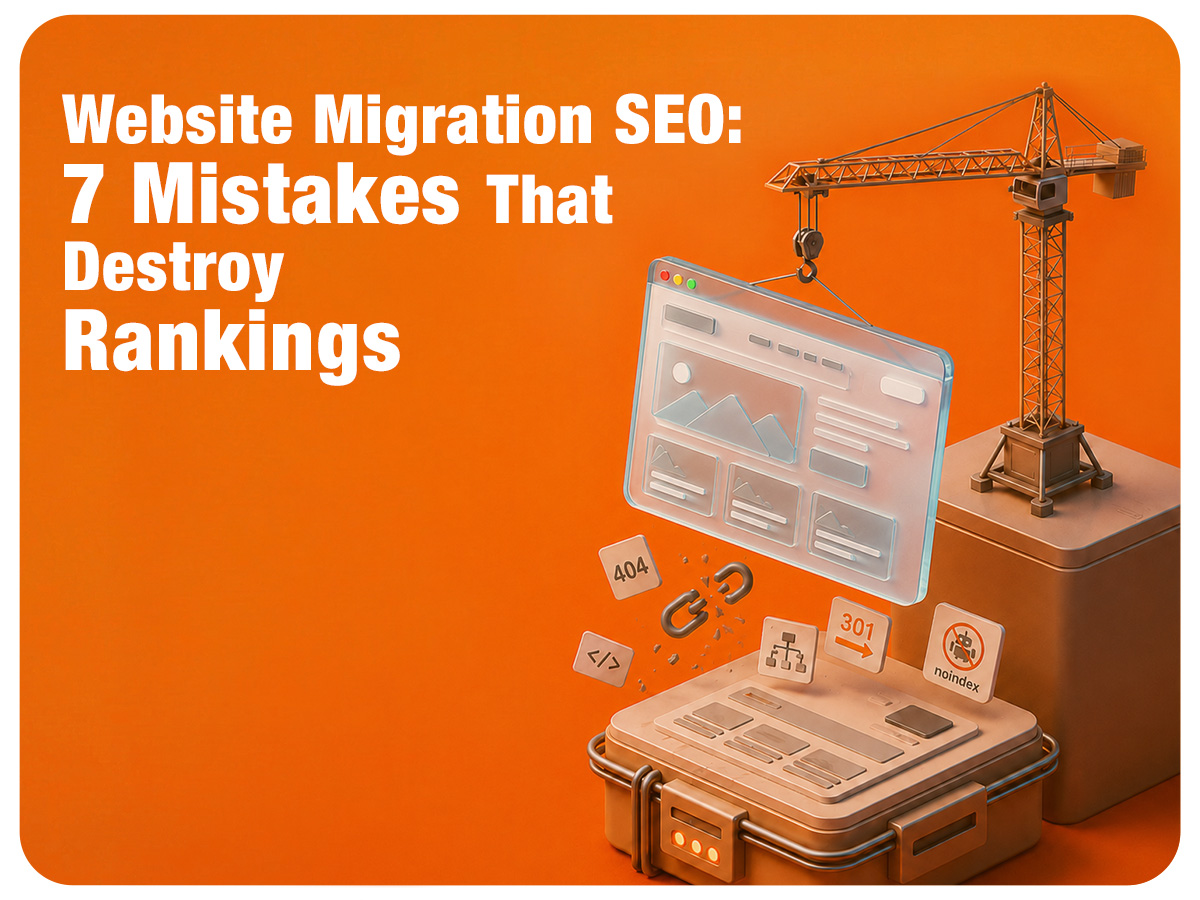
This guide walks through the biggest website migration SEO mistakes, how to avoid them and how to recover if traffic drops after launch.
The 7 Biggest Website Migration SEO Mistakes
Quick answer: - The most common website migration SEO mistakes include failing to implement 301 redirects, launching with robots.txt or noindex blocks still active, losing metadata, creating crawlability issues, ignoring mobile performance and Core Web Vitals, skipping SEO benchmarks and changing everything at once without a safe rollout plan. Each mistake on its own can hurt rankings. Stack three or four together and a “simple redesign” turns into months of recovery work.
SEO Migration Mistake 1: Failing to Map 301 Redirects Properly
Why redirects matter more than most people realize
During a migration, your URLs often change. That URL structure holds years of equity from backlinks, internal links and user behaviour. A proper 301 redirect map tells search engines where each old URL has moved so they can transfer that equity to the new location instead of treating it as a brand new page.
What happens when old URLs return 404 errors
When old URLs return 404 errors after migration, users hit dead ends, links from other websites break and crawl budgets get wasted. Over time, search engines remove those URLs from the index. Rankings tied to those pages disappear and the new URLs may not replace them.
Why homepage redirects are a bad idea
Sending every old URL to the homepage might seem like a shortcut, but it often confuses search engines and visitors. The intent behind a specific product page or blog post does not match a generic homepage, which can trigger soft 404s and weaken relevance.
How to build a proper redirect map
Before migration, export your current URLs from analytics and your CMS. Group them by type and, for each old URL, choose a one to one target on the new site. Implement 301 redirects at the server level, then test them. For deeper technical coverage, using a structured website migration SEO checklist keeps the process organised.
SEO Migration Mistake 2: Launching with Robots.txt or Noindex Blocks Still Active
Why staging sites need crawl restrictions
Most teams block search engines from staging environments so unfinished work does not get indexed. That is good practice and usually involves noindex tags, password protection or robots.txt disallow rules.
How crawl blocks accidentally reach production
Problems begin when those same blocks are copied from staging to production. A missed noindex tag on templates or a robots.txt file cloned straight from staging can quietly tell search engines to stay away from your new site.
Warning signs search engines cannot access your website
If indexed pages drop, impressions collapse or Search Console shows crawling restricted by robots.txt, your migration may have shipped with crawl blocks. Pages that used to rank may still exist but be invisible to search engines.
Launch day checks that prevent deindexation
Before launch, review robots.txt, check that key templates do not contain noindex tags and use a site search query to confirm your domain still has indexed pages. Documenting these checks inside your SEO site migration process prevents simple configuration mistakes from becoming full deindexation events.
SEO Migration Mistake 3: Losing Metadata During a Website Redesign
The SEO value hidden inside metadata
Title tags, meta descriptions, heading structures and structured data are small but powerful signals. Together, they help search engines understand what a page is about and why a user should click it.
Website elements most commonly lost during migrations
Common casualties include custom title tags, meta descriptions, H1 tags, schema markup and internal link anchors. One day they exist, the next day a new template replaces them with defaults.
How to preserve your existing SEO assets
Before migration, export titles, descriptions and H1 tags for key pages. Use this as a reference when building new templates. Carry over successful metadata or improve it, not reset it. For competitive gaps, a focused SEO competitor analysis can show where refreshed metadata helps you overtake rivals.
SEO Migration Mistake 4: Creating Crawlability and Indexing Issues
Broken internal links
A redesign often changes URL paths. If menus, buttons and contextual links still point to old URLs, users hit errors and crawlers lose their way. This weakens site architecture and can stall indexing for new pages.
Outdated XML sitemaps and orphan pages
If your XML sitemap still lists old URLs or misses new ones, search engines get a mixed picture of your site. At the same time, new content sometimes launches without internal links, which creates orphan pages that are hard to discover.
Wasting crawl budget through redirect chains
Redirect chains happen when an old URL redirects to another redirect before reaching the final page. This wastes crawl budget, slows user experience and can dilute signals.
How to verify search engines can discover every important page
After migration, use a crawler to simulate how search engines move through your site. Check for broken internal links, redirect chains and missing pages in your XML sitemap. Tightening internal linking and crawl paths now protects organic visibility later. For extra gains, combine this with targeted page speed optimization so both users and crawlers get a fast experience.
SEO Migration Mistake 5: Ignoring Mobile Experience and Core Web Vitals
Why mobile performance directly impacts rankings
Google relies on mobile first indexing, so your mobile version is the baseline for understanding your site. If your migration adds heavy design elements or scripts that slow things down, rankings can slip even if the desktop experience looks perfect.
Common performance problems introduced during migrations
Big visual refreshes can introduce large images, render blocking scripts, layout shifts and slow hosting environments. Each of these can hurt Core Web Vitals.
How to test performance before launch
Run Core Web Vitals checks on staging before you ship. Focus on Largest Contentful Paint, Interaction to Next Paint and Cumulative Layout Shift. Fix issues before they reach production to protect both rankings and dwell time.
SEO Migration Mistake 6: Migrating Without a Performance Baseline
Why benchmarking matters
If you do not know how your site performs before migration, it is hard to tell whether a traffic drop is normal volatility or a serious problem. Benchmarks give you a “before” picture so you can measure the real impact of changes.
SEO metrics you must record before migration
Capture organic sessions, top landing pages, keyword rankings for priority terms and conversion rates from organic. Note which pages drive the most revenue or leads so they receive extra care.
How baseline data speeds up recovery
If visibility drops after launch, your baseline shows which pages or keywords changed the most. That makes it easier to spot missing redirects, lost content or new technical barriers instead of guessing.
SEO Migration Mistake 7: Changing Everything at Once
Why simultaneous changes create SEO chaos
Redesigning the site, changing domains, switching CMS platforms and rewriting content all at once introduces so many variables that it becomes difficult to see what caused a traffic drop.
The risks of combining major changes
When everything shifts at the same time, search engines need to relearn your entire site while users adjust to a new experience. Analytics setups often change as well, which makes measurement trickier.
How to phase major website changes safely
Phase major changes instead of combining everything. Migrate the site first with minimal content and structural changes, then roll out redesigns or rewrites after performance stabilises. A staged rollout lets you test, measure and fix issues safely, instead of launching a new CMS, domain, design and content all at once.
Is Your Website Migration Hurting SEO? Warning Signs and Recovery Steps
Signs your website migration is hurting SEO
Watch for sharp drops in organic traffic, fewer indexed pages, crawl errors in Search Console and broken internal links. If key landing pages stop receiving visits soon after launch, your migration has likely disrupted critical paths.
How long SEO recovery takes after a migration
Recovery timelines depend on what went wrong. Fixing a handful of redirects can restore performance in weeks. Untangling complex crawl issues or major content changes can take several months, especially in competitive niches.
The first issues to fix after a failed migration
Start with 301 redirects for priority pages, crawlability and indexing issues, and major performance problems. Once the technical base is stable, refine content and internal linking. For AI driven search features, aligning your content with modern AI Overview ranking strategies helps you regain visibility across both traditional results and AI powered summaries.
Conclusion
Website migrations do not have to destroy rankings, but they often do when SEO is an afterthought instead of a core part of the project. The seven mistakes in this guide all come back to a few themes: planning, redirects, crawlability, performance and measurement. Most rankings are lost before launch, not after. A thoughtful migration plan protects your existing visibility while setting up your new site to win in organic search and AI driven results.
If your next redesign or platform change feels too important to risk, partnering with a marketing agency that has already walked many brands through complex SEO website migrations can save you months of recovery work. Inqnest helps brands ship new websites that look better, load faster and keep their hard earned organic traffic intact.
Frequently Asked Questions
1. What is the biggest SEO migration mistake?
The biggest mistake is launching without a complete 301 redirect plan from old URLs to new URLs. This breaks user journeys, confuses search engines and can erase years of authority in a single day.
2. Can a website migration permanently damage SEO?
Most migrations do not cause permanent damage if you act quickly. Recoverable issues include broken redirects, crawl errors and lost metadata. Long delays in fixing them can give competitors time to capture your previous rankings.
3. Should every old URL be redirected?
Not every old URL needs a redirect, but any page that previously received organic traffic, backlinks or conversions should have a thoughtful destination that matches intent.
Can I redesign my website without losing rankings?
Yes, if you treat redesign as an SEO project as much as a design project. Preserve high value content, maintain logical URL structures where possible and test thoroughly before launch. A structured SEO website migration checklist keeps everyone aligned.
When should I hire SEO experts during a migration?
Ideally, bring SEO experts into the conversation before you lock your migration plan. They can help define URL strategies, redirect maps, benchmarks and testing processes so you avoid costly fixes later.


.png)







.png)
.png)
.png)

.png)
